Quick Setup-Up Guide
Quick Setup-Up Guide
Plug the lüft into a wall AC outlet
- Keep lüft upright as shown. The AC prongs can be rotated 90 degree.
- Choose a location that is draft-free (away from direct air such as air conditioning vents), and where it can remain plugged-in undisturbed.
Tip: Replace an existing nightlight with your lüft; lüft doubles as a nightlight.
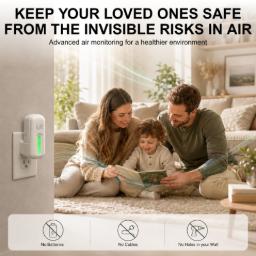
After lüft is plugged in and the monitor has completed its self-test, the LED mnay display yellow or red until initial stabilization is complete.
- 30 minutes: Initial indoor air quality readings are available (not stabilized yet).
- 90 minutes: First Radon sensor readings are available and all six sensors start reporting hourly data.
- 24 hours: First daily Radon averages are available. Device continuous daily self-calibration and optimization for up to 7 days.
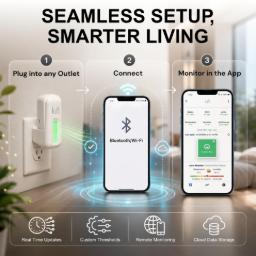
Scan the "Mobile App" barcode on the package or click below icon to download the lüft app from the app store of your choice.

- Verify that your Wi-Fi router supports 2.4 GHz. Note the router name and password.
- Enable Bluetooth on your mobile device.
- iPhone Only: Connect your ipHone to the Wi-Fi network to which you will connect the luft in next step.
- Start the lüft app and create an account. When using an e-mail to register your account, check your e-mail inbox to validate the e-mail address.
- Follow the step-by-step on-screen setup guide.
- When asked to select the device, locate the 4-digit bluetooth identifier (BT-ID) on the packaging or product label.
- Assign a device name.
- Click "Connect to Wi-Fi.
Updated sensor readings are available every 6 minutes. Press Refresh to load recent sensor readings, if desired.
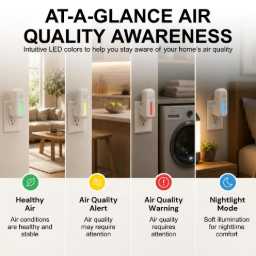
After initial setup, when opening the luft app, the IAQ sensor readings are updated automatically. A quare status icon/tile appears in the connected devices pane. The icon color indicates the device status; same color as front LED. The colors indicate one of the following status:
- Green - Healthy Air
- Yellow - Air Quality Warning
- Red - Air Quality Alert
- Blue - Nighligh Mode
The LED colors, warning/alert thresholds, and nightlight start and stop times are configurable in the luft app.
Scan the "Register Here" barcode on the package or click the icon below to register your lüft.
Intended Use
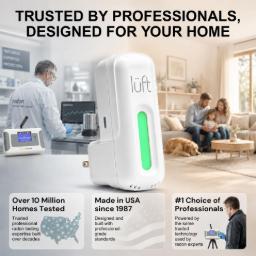
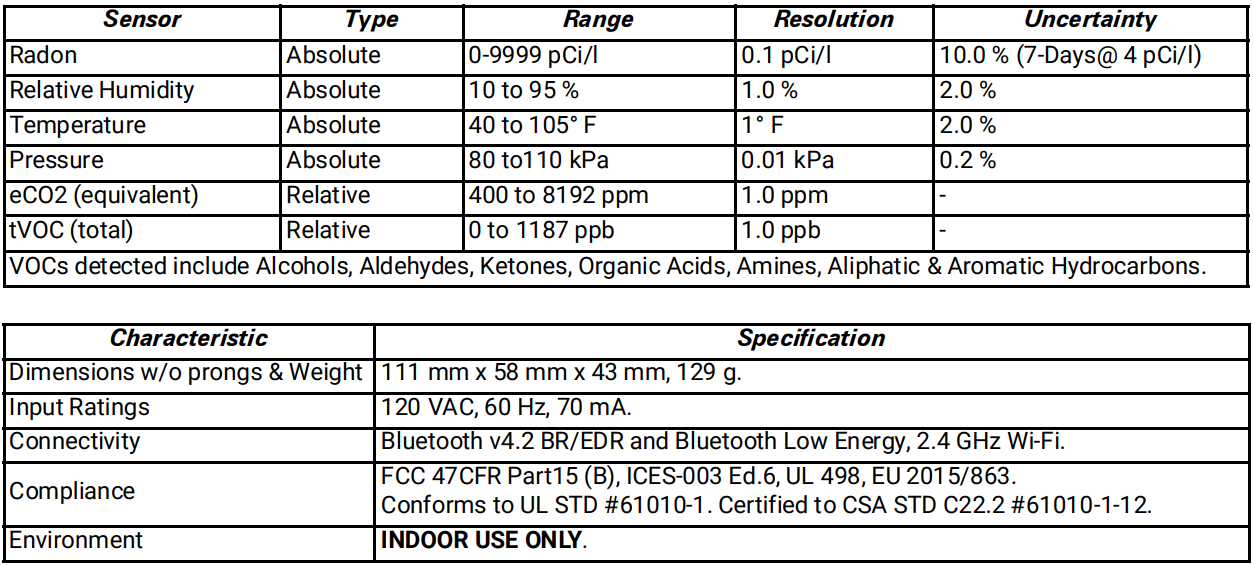
lüft, Model 1032, is intended to be used as an indoor, long-term Air-quality and Radon level monitor for homes and commercial buildings.

To install this Web App in your iPhone/iPad press
 and then Add to Home Screen.
